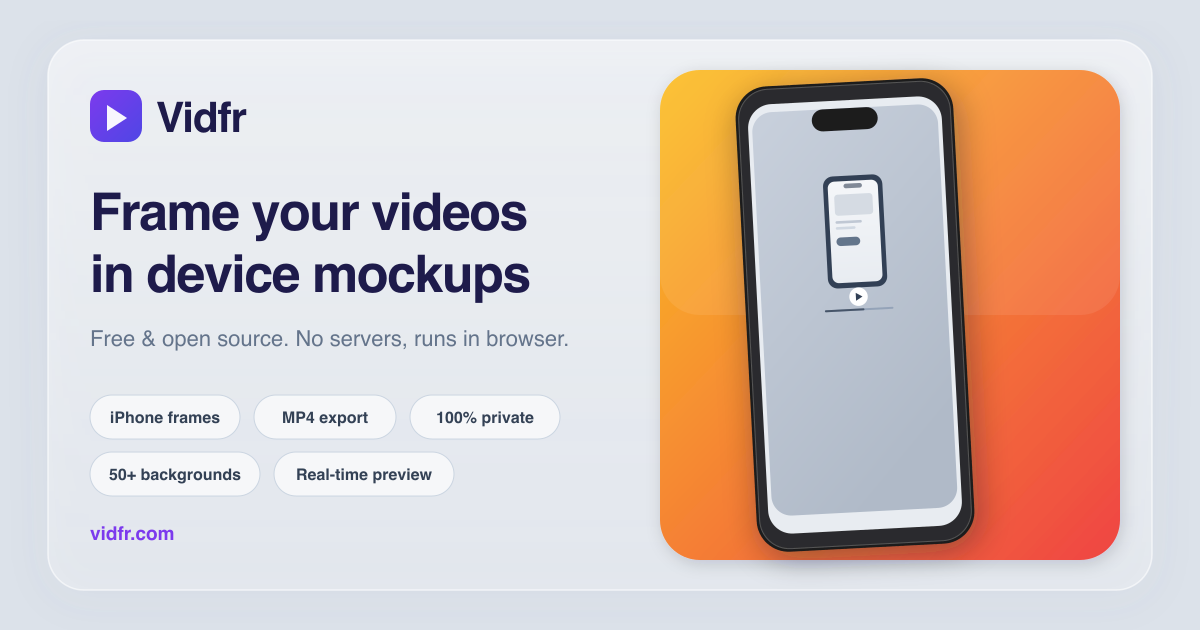
Make an app demo video that looks like a product, not a screen recording
A raw screen recording reads as unfinished the moment it hits a landing page or a launch post.
Vidfr wraps your recording in a realistic iPhone frame on a clean background, so the same footage
looks like a shipped product. Upload, frame, export — no editor, no signup, no file leaves your browser.
The best product demos are not longer or fancier — they add context and remove noise. A device
frame tells the viewer "this is a real app" before they read a word, a clean background keeps the
focus on the screen, and the right output size means the clip fills the feed instead of floating in it.
1. Record the flow
Capture a short, focused screen recording of the one thing you want to show. MP4, MOV, or WebM.
2. Frame and style it
Drop it into Vidfr, pick the matching iPhone model, and choose a solid, gradient, or image background.
3. Export for the channel
Choose portrait, square, or landscape, then export a polished MP4 ready for the platform you post to.
Where to use your app demo video
Landing page hero — a framed, autoplaying demo converts better than a screenshot.
Product launches — Product Hunt, Hacker News, and Peerlist galleries reward a clean visual.
Social posts — X, LinkedIn, Instagram Reels, and TikTok all favor a polished first frame.
Release notes and changelogs — embed a short clip next to each feature.
Investor and pitch decks — a 15-second framed loop shows more than a static mock.
For social feeds and landing pages, 10–30 seconds works best. Show one clear flow, keep it
looping-friendly, and put the most interesting moment in the first two seconds.
Do I need editing skills?
No. There is no timeline and nothing to install. Record, drop the file into Vidfr, pick a frame and
background, and export.
Is it free, and is there a watermark?
Vidfr is free and open source. No signup, no watermark, and no export limit.
Does my recording get uploaded anywhere?
No. Loading, compositing, and export all run in your browser. The source video never leaves your device.
Ready to make one? Open Vidfr — it takes about 30 seconds.